
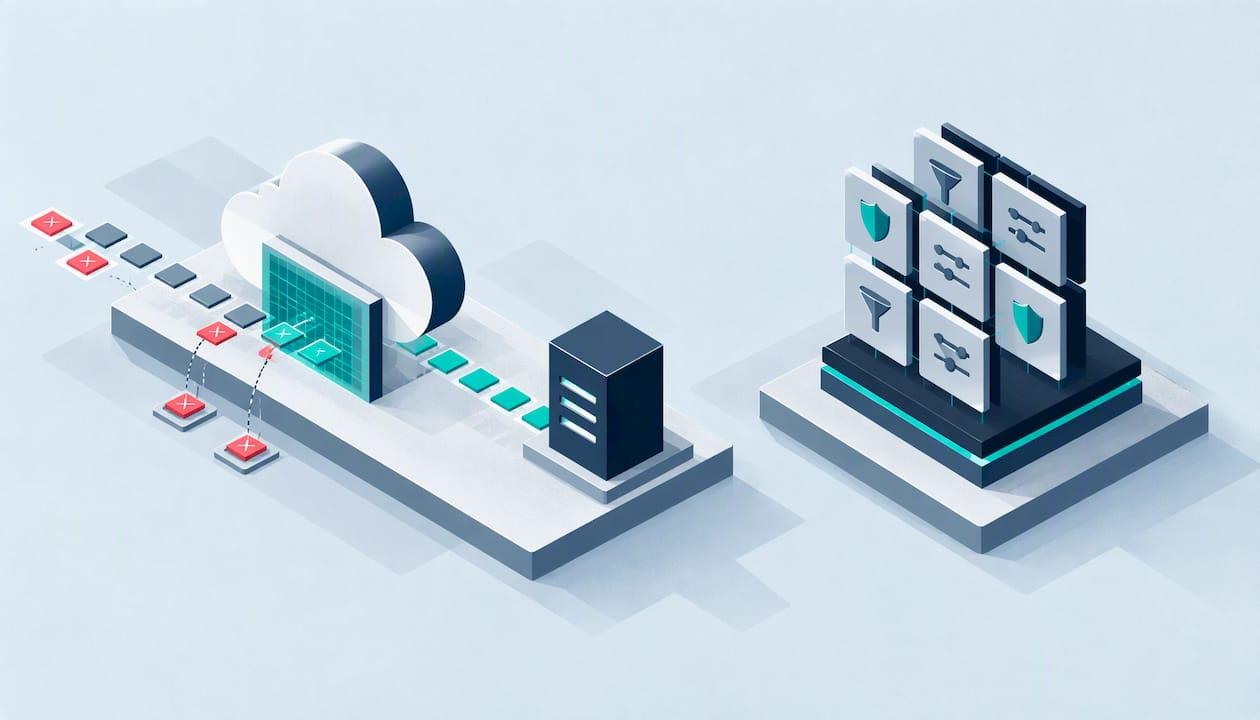
Choose AWS WAF if your application already runs on AWS and you want the firewall attached to your load balancers, API gateways and CloudFront distributions. Choose Cloudflare if you want one edge service in front of everything, wherever it is hosted, with caching, DDoS protection and WAF rules on a simple plan. Neither is "better" in the abstract. The right answer depends on where your traffic sits, who will tune the rules, and how you will prove the setup works.
This guide compares the two on the points that decide the choice for a UK startup, school, charity or small business: architecture, managed rules, rate limiting, cost, DDoS cover (including AWS Shield) and day-to-day effort. It ends with the step most comparisons skip: testing the firewall you have bought.
Key takeaways
- AWS WAF is cloud-native and works best for workloads that live inside AWS. Cloudflare is an edge network that suits multi-cloud, mixed hosting and sites that need global caching.
- Cloudflare's managed rules are tiered by plan. AWS WAF charges per web ACL, per rule and per million requests, so your bill follows your traffic.
- A WAF is one layer, not a security programme. The NCSC treats it as part of defence in depth alongside patching, network controls and vulnerability management.
- Either product can over-block. Run new rules in count or log-only mode first, then switch to block.
- Neither product replaces a penetration test, which shows whether a determined attacker can still get past your configuration.
Table of Contents
- What a WAF does, and why UK guidance expects one
- Cloudflare vs AWS WAF at a glance
- Architecture: edge network or cloud-native service
- Managed rules and how much tuning you will do
- Rate limiting and bot control
- Cost: predictable plan or usage-based bill
- Cloudflare vs AWS Shield: a different question
- Defence in depth: what neither product covers
- How we would test a WAF setup
- Which one fits your organisation
- Get your WAF choice tested
- FAQ
- Sources
What a WAF does, and why UK guidance expects one
A web application firewall inspects HTTP traffic and blocks requests that look like attacks, such as SQL injection or cross-site scripting. The UK government's own engineering standard describes it as an application layer protection for web-based traffic that lets you track traffic and configure access control for your content.
The National Cyber Security Centre's guidance on building and operating a secure online service makes the same point from a risk angle: whether your service is cloud-based or on-premise, you need to understand the risks of how it is delivered and maintained. A WAF also helps with PCI DSS requirement 6.6 for public-facing web applications, which matters if you take card payments.
The NCSC's emphasis is on how the WAF fits your wider architecture, not on picking a winner. That framing is the right one for the rest of this comparison.
Cloudflare vs AWS WAF at a glance
| Criteria | Cloudflare WAF | AWS WAF |
|---|---|---|
| Where it runs | Global edge network in front of any origin | Attached to AWS resources (CloudFront, Application Load Balancer, API Gateway and others) |
| Best fit | Multi-cloud, mixed hosting, content-heavy sites | Workloads built on AWS |
| Managed rules | Rulesets tiered by plan (Free, Pro, Business, Enterprise) | Managed rule groups from AWS and Marketplace sellers, some free, some paid |
| Pricing model | Plan-based, with custom Enterprise contracts | Per web ACL, per rule, per million requests, plus paid add-ons |
| DDoS protection | Built into the edge service | AWS Shield Standard is included; Shield Advanced is a paid upgrade |
| Bot control | Advanced bot management on Enterprise | Bot Control rule group at additional cost |
| Effort to start | Change DNS and switch on rulesets | Build web ACLs, rules and logging yourself |
| Main risk | Origin exposed if traffic can bypass the edge | Cost creep and rule capacity limits |
Architecture: edge network or cloud-native service
This is the real dividing line. Cloudflare's own documentation describes automatic protection plus custom rules delivered across its global network, and it is available on all plans. Traffic reaches Cloudflare first, gets filtered and cached, and only clean requests travel to your origin. That origin can be an AWS server, an Azure app, a shared host or an on-site machine.
AWS WAF is a cloud-native service. It is best suited to workloads that interact directly with other AWS resources, such as specific load balancers or API gateways, and to application logic within the same account. If your whole stack is on AWS, that integration is a genuine advantage: rules, logging and infrastructure-as-code live in one place.
A practical way to decide:
- All on AWS, with an engineer who knows it: AWS WAF is the natural fit.
- Hosting split across providers, or a site on a CMS host: Cloudflare avoids running a different firewall for each environment.
- A school or charity site with little in-house expertise: Cloudflare's plan-based setup is usually quicker to get running, though it still needs tuning.
- Heavy API traffic inside AWS: AWS WAF's closeness to API Gateway and load balancers helps.
Many teams run both: Cloudflare at the edge, AWS WAF on the AWS resources behind it. That gives two layers but also two rule sets to keep consistent, so it only makes sense when you have the people to maintain both.
Managed rules and how much tuning you will do
Both providers maintain rules for you, which spares you from tracking each new vulnerability by hand.
Cloudflare's managed rulesets are pre-configured to protect against web application exploits, including zero-day vulnerabilities. Which ruleset you get depends on your plan: the OWASP Core Ruleset, for example, sits on higher tiers.
AWS describes managed rule groups as predefined, ready-to-use rules written and maintained by AWS and AWS Marketplace sellers. Basic AWS WAF pricing still applies on top of them. Some groups are free, others carry a subscription.
On paper the rule coverage is similar. In practice the difference is the work around it. Cloudflare applies several security features to each request in a fixed order, and its documentation on how those features interact is worth reading before you stack rules, because order decides which feature acts first and where false positives come from. With AWS WAF you assemble the web ACL yourself, deciding rule priority and capacity.
Avoid over-blocking
The most common WAF failure is not a missed attack but a blocked customer. The GOV.UK developer documentation on WAF configuration explains that rules block suspect requests at the edge before they reach applications. Its practical lesson applies to both products: monitor in count or log-only mode for several days, learn what legitimate traffic looks like, then enforce blocking.
For a small organisation, that means:
- Switch new managed rules on in count mode first.
- Review logs for login forms, payment callbacks, contact forms and any API your own mobile app or partners call.
- Add exceptions for those flows, then move to block.
- Re-check after every major site change.
Rate limiting and bot control
Rate limiting is where the two diverge most in detail. AWS documents options for rate limiting in rate-based rules and the targeted level of Bot Control. Rate-based rules can respond with a short lag of tens of seconds and work with limits as low as 10 requests per window. That is fine for a login form under credential stuffing, but it is not instant.
Cloudflare's rate limiting rules, depending on plan, allow more granular counting, and Enterprise customers get bot management scores for very specific traffic control. If bots are your main problem, for example scraping, ticket-grabbing or account takeover, budget for the paid bot tiers on either platform. The basic WAF will not solve it alone.
The NCSC's guidance on securing HTTP-based APIs also recommends blocking known malicious IP addresses and categories of address that should never connect to your API. Both products can do this, so check you have actually configured it.
Cost: predictable plan or usage-based bill
Cloudflare prices its WAF through plans, and the managed rulesets you receive step up as you move from Free to Pro, Business and Enterprise. You can see the tier structure in Cloudflare's WAF documentation. Check Cloudflare's current pricing page for figures, because they are quoted in US dollars and change.
AWS WAF is metered. According to one breakdown of AWS WAF pricing, each web ACL costs $5.00 a month, each rule $1.00 a month, and processing costs $0.60 per million requests. Those figures are in dollars, so your sterling cost will move with the exchange rate. A quiet site pays little. A busy one, or one under a volumetric attack, can see the request charge climb. AWS also includes up to 1,500 Web Capacity Units in a protection pack before additional fees apply, which shapes how many rules you can run without paying more.
A sensible way to compare costs:
- Estimate monthly requests, using your peak and not your average.
- Count the rules you need, including paid managed groups and bot control.
- Add logging and storage costs, which people often forget.
- Add the staff time to maintain it. A cheap tool nobody tunes is the expensive option.
Cloudflare vs AWS Shield: a different question
People often search for Cloudflare against AWS Shield, but Shield is not a WAF. It is DDoS protection. AWS Shield Standard comes with AWS, and Shield Advanced is a paid upgrade. The same pricing breakdown puts Shield Advanced at $3,000 a month, and notes that it covers the standard AWS WAF charges for protected resources. That is a serious commitment, aimed at organisations where an outage is very costly.
Cloudflare folds DDoS mitigation into its edge service, which is why it is attractive to smaller organisations that want broad protection without a large fixed fee. If you are a charity or a school with a modest budget, that difference alone often decides the matter. If you already have an enterprise AWS agreement and strict availability targets, Shield Advanced may justify itself.
Defence in depth: what neither product covers
The NCSC is clear that a WAF is one layer. Network-layer firewalls, secure build pipelines and rigorous vulnerability management remain just as important to limit lateral movement and shrink the attack surface. A WAF will not fix:
- An outdated plugin or CMS version that you have not patched.
- Broken access control, where a logged-in user can see another user's data.
- Business logic flaws, such as a discount code that can be reused indefinitely.
- An origin server reachable directly, which lets an attacker skip Cloudflare or AWS entirely.
- Misconfigured cloud storage, identity permissions or exposed admin panels.
This is why choosing a WAF is only half the job. The other half is checking that your application is safe behind it, and that the WAF itself is set up the way you think it is.
How we would test a WAF setup
At Solusec, we are a CREST-accredited team, and the testers who scope your work are the people who carry it out. When a client has put Cloudflare or AWS WAF in front of an application, the questions we ask are practical:
- Can the origin be reached directly, bypassing the WAF?
- Do the rules block common injection and cross-site scripting payloads, or only the obvious ones?
- Are rate limits applied to login, password reset and API endpoints?
- Do the exceptions you added during tuning leave a gap?
- Are the vulnerabilities behind the WAF fixed, not just hidden?
Our web application and API penetration testing covers these areas, and for AWS-hosted systems our cloud security assessment for AWS and Azure looks at configuration beyond the application itself. If you are weighing cloud security tooling more widely, our comparison of Prisma Cloud and Wiz covers a different layer of the same problem.
A vulnerability scan is not a substitute. If you are unsure of the difference, we explain it in penetration test versus vulnerability scan. For ongoing coverage between tests, see our vulnerability management service.
Which one fits your organisation
Startups on AWS. AWS WAF keeps everything in one account and one deployment pipeline. Start with the core managed rule groups, log everything, and add rate-based rules to login and signup. Revisit Cloudflare if you add non-AWS services.
Small businesses with a CMS site. Cloudflare is usually the simpler route: change DNS, enable managed rules, lock the origin to Cloudflare's addresses. Keep the CMS patched, because the WAF is not a patching tool. A CMS website test from us is £2,500 one-off, and an external IP test is £3,000 one-off.
Schools and colleges. Public sites tend to carry pupil-facing logins and forms, so tuning matters. Run in count mode first and be careful with exceptions. Our page on school website penetration testing explains what a test looks at.
Charities. Donation pages are the priority. Pick whichever option your host or developer can maintain, and ask for a test of the donation flow after go-live.
Software houses and agencies. If you manage many client sites, a single edge platform often cuts the effort. Our page on cyber security for software houses and agencies sets out how we support teams like yours.
If you are in Birmingham, the West Midlands or Greater Manchester, we also run local web application penetration testing in Birmingham and in Manchester.

Get your WAF choice tested
Once you have picked and configured a WAF, the useful next step is an independent test of what sits behind it. Solusec offers CREST-accredited penetration testing across web, infrastructure, cloud, mobile and AI, with findings in plain English and proportionate advice. See our penetration testing services or talk to us through solusec.co.uk. If a customer contract is pushing you towards certification as well, our Cyber Essentials service starts at £320 one-off, ranging up to £600.
FAQ
Is Cloudflare comparable to AWS?
Only in part. Cloudflare is an edge network for security, performance and caching, while AWS is a full cloud platform covering compute, storage and databases. The fair comparison is Cloudflare WAF against AWS WAF, with Shield, or against AWS CloudFront and Shield together. Many organisations host on AWS and sit Cloudflare in front.
Are WAF and Cloudflare the same thing?
No. A WAF is a type of control that filters web requests, and Cloudflare is a company whose WAF is one of many products. Cloudflare also provides DDoS protection, caching, DNS and more. AWS WAF is Amazon's separate WAF product.
Can I use Cloudflare and AWS WAF together?
Yes, and some teams do. Cloudflare filters traffic at the edge and AWS WAF protects specific AWS resources behind it. The cost is complexity: two rule sets, two sets of logs, and a greater chance of conflicting rules. Do it only if someone owns both.
Does a WAF mean I do not need a penetration test?
No. A WAF blocks known attack patterns but cannot fix flawed application logic, weak access control or unpatched software. NCSC guidance treats it as one layer of defence in depth. A penetration test shows whether your configuration and application hold up against a real attacker.
Sources
- Use a web application firewall (WAF), The GDS Way
- Building and operating a secure online service, NCSC
- Cloudflare Web Application Firewall overview
- Cloudflare managed rules
- Cloudflare security features interoperability
- Using managed rule groups in AWS WAF
- Web Application Firewall (WAF) configuration, GOV.UK Developer Documentation
- Options for rate limiting in AWS WAF
- Securing HTTP-based APIs, NCSC
- Understanding AWS WAF pricing and cost management, Hykell
Recommended
- Prisma Cloud vs Wiz: live coverage in days or deeper Palo Alto fit?
- Cloud Security Assessment: AWS & Azure
- Tenable vs Qualys: Coverage or Ease? Test 5 Areas Before Buying
- SentinelOne vs CrowdStrike: Which EDR Suits a UK SME?
This article was created with assistance of AI. We never use AI with your data unless given explicit permission.