
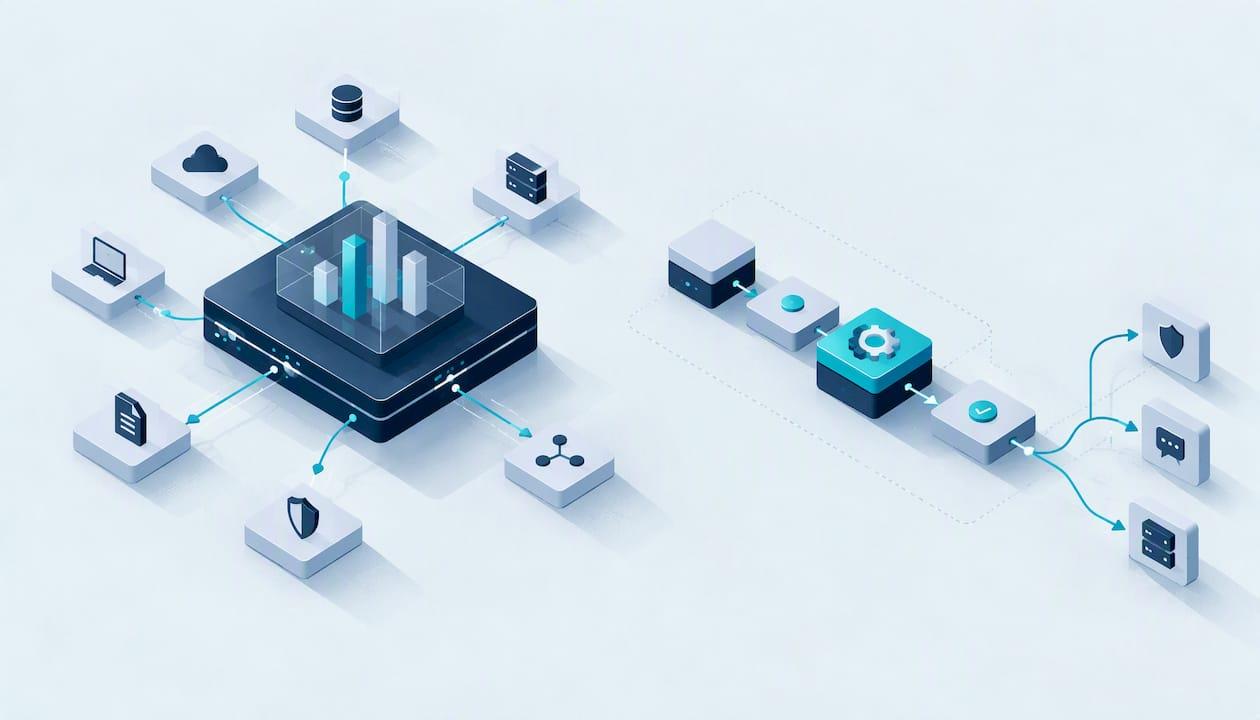
SIEM and SOAR do different jobs. A SIEM (Security Information and Event Management) collects logs from across your systems and flags suspicious activity. A SOAR (Security Orchestration, Automation and Response) platform takes an alert and runs a defined response: enrich it, check it, contain it, open a ticket. Microsoft's threat detection documentation describes the two in just these terms. SIEM gives you visibility. SOAR gives you speed and consistency once you already know what you are looking at.
For a startup, school or charity, the more useful question is usually not "which one?" but "are we ready for either?". We cover both below, and we are blunt about where each one goes wrong.
Key takeaways
- SIEM detects: it gathers and correlates log data. SOAR responds: it automates playbooks that act on alerts.
- Most organisations that run SOAR run it on top of a SIEM, and some platforms, such as Microsoft Sentinel, bundle both.
- XDR is a third option: detection and response across endpoints, email, identity and cloud, usually from one vendor.
- The NCSC advises smaller organisations to get the basics right first. For many UK SMEs that means Cyber Essentials before any SIEM or SOAR spend.
- Neither tool replaces people. Poor logs and untested playbooks make both worse.
Table of Contents
- SIEM and SOAR side by side
- What a SIEM actually does
- What SOAR actually does
- Where XDR fits
- Do you need both? A decision guide
- What the NCSC says smaller organisations should do first
- Common mistakes with SIEM and SOAR
- How Solusec helps
- FAQ
- Sources
SIEM and SOAR side by side
| SIEM | SOAR | XDR | |
|---|---|---|---|
| Main job | Collect, correlate and search log data | Automate and standardise response | Detect and respond across several security layers |
| Typical input | Logs from servers, firewalls, identity, cloud, applications | Alerts from a SIEM, EDR, email security or ticketing | Telemetry from the vendor's own endpoint, email, identity and cloud tools |
| Typical output | Alerts, dashboards, search, audit evidence | Executed playbooks: isolate a host, disable an account, notify a team | Correlated incidents with guided or automatic response |
| Needs | Good log sources and people to tune rules | Defined processes and someone to maintain playbooks | Commitment to one vendor's ecosystem |
| Failure mode | Noise, alert fatigue, large storage bills | Brittle playbooks that misfire or never trigger | Blind spots outside the vendor's products |
The table is a simplification. The categories are blurring, and a buyer in 2026 will meet products that claim all three labels.
What a SIEM actually does
A SIEM pulls data from many places into one searchable store: firewall logs, Windows event logs, Microsoft 365 sign-ins, cloud audit trails, application logs. It then applies detection rules to find patterns no single system would reveal.
The NCSC's detection guidance makes the underlying point well: indications of an attack rarely show up as isolated events on one component, so analysts benefit from a single platform where they can query log data from all onboarded systems. That is the case for a SIEM in one sentence.
What a SIEM does not do is decide what matters. It will happily ingest a great deal of low-value data. The NCSC's incident management guidance sets out a sensible minimum: document which log sources exist, know how to retrieve them and who can, and check the logs are easily searchable. Organisations that skip this and ingest everything tend to pay twice, in storage and in analyst time lost to noise.
What a SIEM costs
Most SIEMs bill by data volume, which is why log discipline matters. One published example: a Microsoft Sentinel cost calculator lists pay-as-you-go ingestion at $4.30 per GB for its simplified tier in East US, with discounts through commitment tiers. Check Microsoft's own pricing page for current UK-region rates before you budget. Splunk and others price differently, and many are quote-based.
If you are weighing the two best-known options, our own comparison of Microsoft Sentinel and Splunk covers query languages (KQL and SPL) and what switching involves in practice.
What SOAR actually does
SOAR connects your tools and runs playbooks. Say a SIEM raises an alert for an impossible-travel sign-in. A playbook might look up the user, check the IP against threat intelligence, query the endpoint tool for related activity, and, if the evidence holds, force a password reset and message the IT manager. All of that can happen in seconds rather than in the half hour it takes a person to click between consoles.

The value is consistency. The NCSC's guidance on building a security operations centre says automation should make sure tasks are done the same way every time, but it is a tool for people, not a substitute for experienced analysts.
The playbook problem
Playbooks are code and process combined. Someone has to write them, test them and keep them current as systems change. A playbook that was correct a year ago can fail to trigger, or fire at the wrong moment, during a real incident. If nobody in your organisation has time to own that, SOAR becomes technical debt rather than a time saver.
Which SOAR platforms are in the UK market
A 2026 UK software roundup names Splunk SOAR, Cortex XSOAR, Tines, Torq and Swimlane among the leading platforms. It notes that many enterprise products are quote-priced, while Tines offers a free tier for some engineering-led uses. Treat any roundup as a starting list, not a verdict, and ask for a trial against your own alerts.
Where XDR fits
Readers also ask about SIEM, SOAR and XDR together. XDR (Extended Detection and Response) typically takes telemetry from endpoints, email, identity and cloud workloads, usually from one vendor, and offers detection and some response in one console.
The practical difference is scope and openness. A SIEM is broad and vendor-neutral but needs engineering. XDR is narrower but quicker to switch on. SOAR sits across either, orchestrating the response. Many organisations land on XDR plus a managed service rather than building a SIEM and SOAR stack, because the second route needs staff they do not have.

Do you need both? A decision guide
You probably need neither yet if:
- You have not yet got MFA on every account, a patching routine and tested backups.
- Your estate is a few dozen devices and a handful of cloud services.
- Nobody is available to read alerts out of hours.
A SIEM makes sense if:
- A contract, insurer or regulator expects log retention and investigation capability.
- You run a mix of cloud and on-premises systems and cannot see across them.
- You have someone, in-house or contracted, who will tune detection rules.
Add SOAR when:
- Your analysts keep doing the same triage steps by hand, dozens of times a week.
- Your response procedures are written down and already work manually.
- You can name the person who maintains the playbooks.
Consider XDR when:
- Most of your estate sits in one vendor's ecosystem, for instance Microsoft 365 and Defender.
- You want faster time to value and less engineering.
Automate a process that works. Do not automate a process that does not exist yet.
What the NCSC says smaller organisations should do first
The NCSC says there is no one-size-fits-all SOC. It suggests building a target operating model around your own threat profile and assets rather than starting with products. Its advice for small and medium-sized organisations centres on first steps and free tools to find common weaknesses, rather than on enterprise tooling.
The government's Cyber Essentials overview frames the scheme as protection against common, low-skill attacks through five technical controls. That is where most startups, schools and charities get the best return per pound. If you need help deciding, see our guide on who needs Cyber Essentials, the Cyber Essentials checklist, or, if you are a charity, Cyber Essentials for charities.
The usual sequence for a small organisation looks like this:
- Foundations: MFA, patching, backups, secure configuration, access control. Certify with Cyber Essentials.
- Find what is exposed: a penetration test and vulnerability management show what an attacker would find. Our guide to penetration testing versus vulnerability scanning explains which you need.
- Plan the response: write down who does what in an incident. Our piece on ICO 72-hour reporting and the incident response automation spectrum shows where automation helps and where a person must decide.
- Then add tooling: a SIEM, perhaps managed, and SOAR only once the manual process is proven.
Common mistakes with SIEM and SOAR
- Ingesting everything. More data does not mean more detection. Choose sources that give actionable evidence, then expand.
- Buying the tool before the process. Neither product defines what an incident is or who decides to disconnect a server.
- No owner. Detection rules and playbooks decay without someone responsible.
- Ignoring out-of-hours cover. Attacks do not wait for Monday. An alert nobody reads is just an expensive log line.
- Treating automation as autonomy. Containment actions, such as disabling a director's account, deserve a human check until the playbook has a track record.
How Solusec helps
We are a CREST-accredited cyber security company and a Certification Body for Cyber Essentials, and you speak directly to the testers and assessors, not a sales team. That shapes how we approach the SIEM and SOAR question: we start with what you actually need.
- Certification first. Cyber Essentials is priced at £320 to £600 one-off, a gap analysis is £300 and urgent turnaround adds £100. Cyber Essentials Plus is also available.
- Testing. Our penetration testing includes an external IP test at £3,000 and a CMS website test at £2,500, both one-off. Cloud security assessments cover AWS and Azure.
- Operations. If you are ready for monitoring, our SOC consulting and support can help you decide on log sources, tooling and a target operating model, and our incident response service is there when something goes wrong. We do not publish prices for these, so contact us for a scoped quote.
If you are not sure which step comes next, start at solusec.co.uk and tell us about your organisation.
FAQ
What does SIEM stand for?
SIEM stands for Security Information and Event Management. It is a system that collects, aggregates and analyses data across an organisation to detect threats and give visibility. Microsoft's documentation defines it that way.
Is SIEM a Microsoft tool?
SIEM is a category, not a Microsoft product. Microsoft Sentinel is Microsoft's cloud-native SIEM, and it also includes SOAR capabilities. Splunk, Elastic and others sell SIEMs too. Our Sentinel and Splunk comparison goes into the differences.
Can a SIEM work without SOAR?
Yes, and most small deployments do. Analysts triage alerts by hand, which is fine at low volume. SOAR starts to pay off when the same manual steps repeat constantly and your procedures are already written and proven.
Should a small charity or school buy a SIEM or SOAR?
Usually not first. The NCSC's advice for smaller organisations points to foundations such as patching, MFA and backups, and Cyber Essentials covers those. Once those are in place, a managed monitoring service is often more realistic than running your own stack. See our pages for school security testing and charity certification.
Sources
- Azure threat protection, Microsoft Learn
- Building a Security Operations Centre, NCSC
- Detection practices, NCSC
- Technical response capabilities, NCSC
- Cyber security advice for small to medium sized organisations, NCSC
- Cyber Essentials scheme overview, GOV.UK
- Top 10 SOAR Software in the United Kingdom for 2026, Zendikt
- Microsoft Sentinel pricing, SIEM Cost Calculator
Recommended
- Microsoft Sentinel vs Splunk: KQL, SPL, and the Work of Switching
- SIEM and Log Review Services
- Meet ICO 72 Hour Reporting: Incident Response Automation Spectrum, UK
- UK EDR vs XDR: Test Your Response Plan Before You Buy
This article was created with assistance of AI. We never use AI with your data unless given explicit permission.